
Languages

Display language
My Family Tree supports over 20 display languages. To use a different
language, please download and install the My Family Tree Language Pack
from the
My Family
Tree downloads page .
.
You can change the display language using the language settings in the Options dialog. The date display format can also be customised. You can use the default setting a custom date display format.
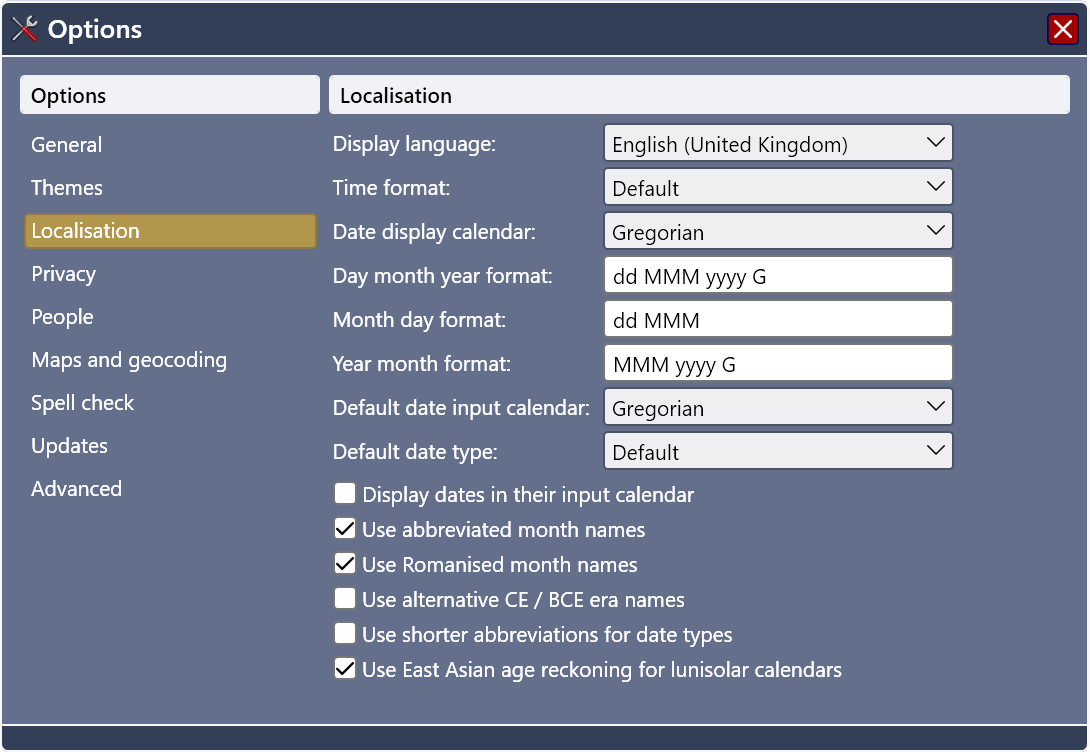
Fig 1. Changing the user interface localisation settings.
Dictionary language
The spell check dictionary language can be changed independently of the user interface language. This is helpful if you are editing a file which is written in a different language. You can change the dictionary language using the spell check settings in the Options dialog or during a spell check. Spelling reform options are available for French and German dictionaries.
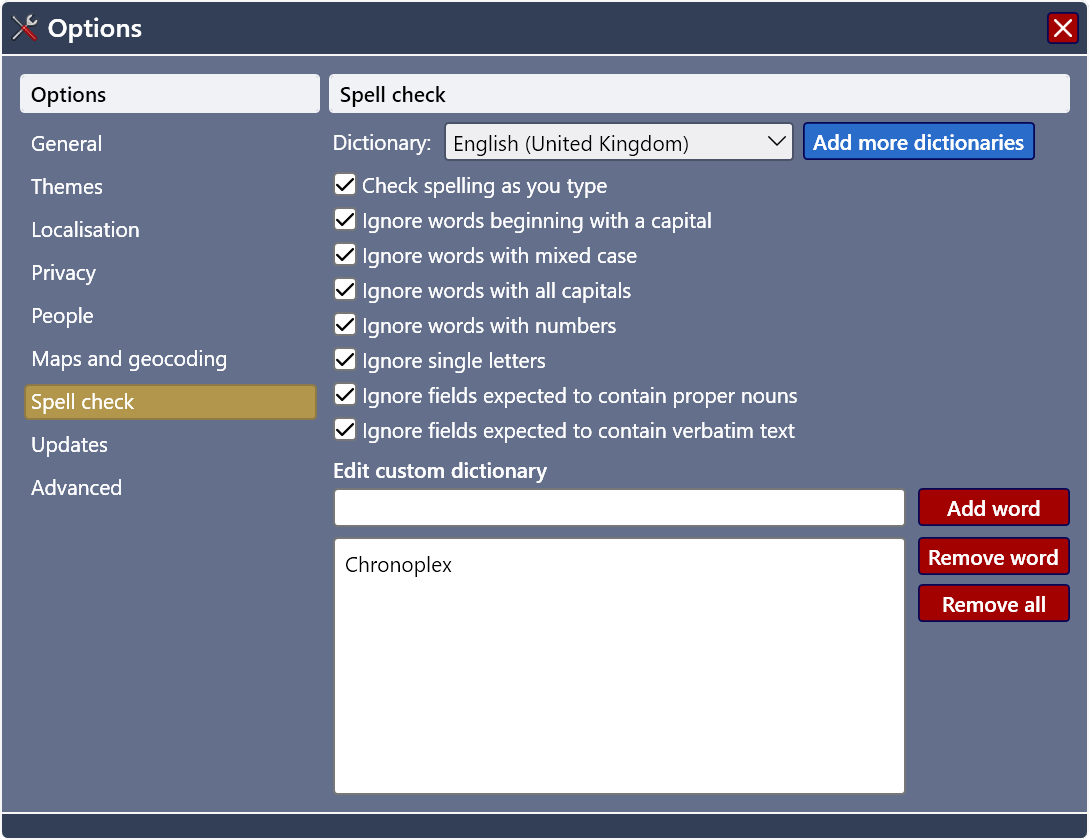
Fig 2. Changing the spell check localisation settings.